
Showing progress with The Needle
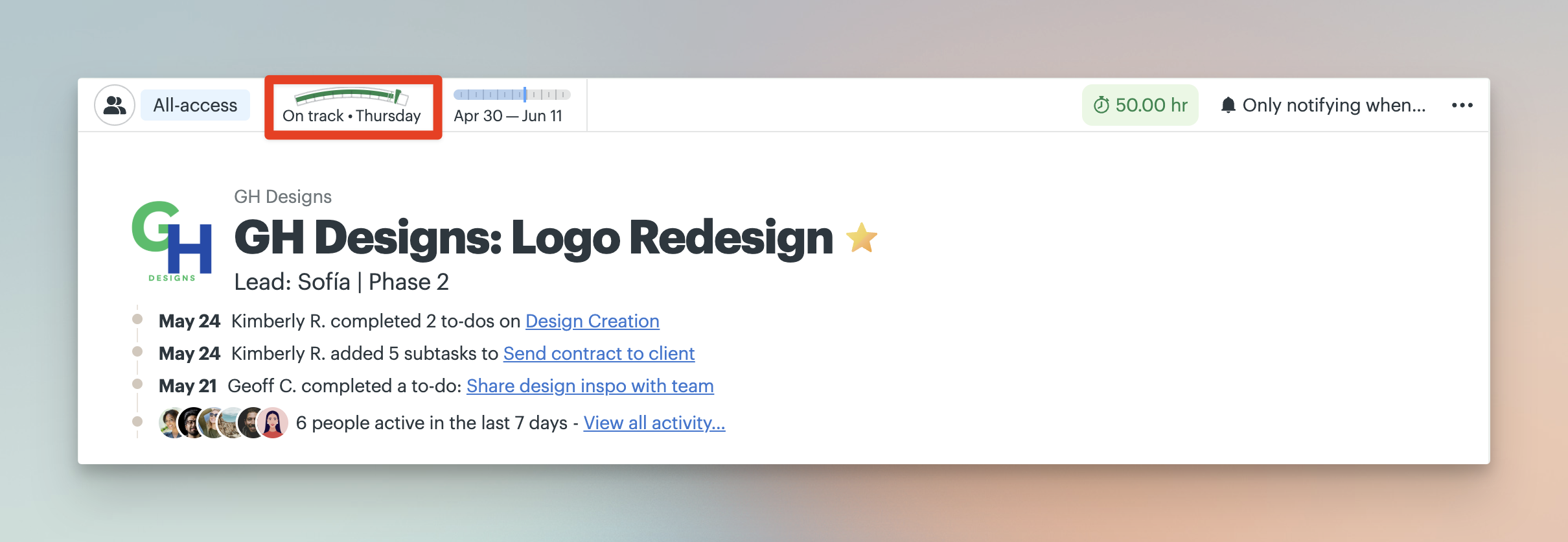
The Needle shows how a project is progressing at a glance. It appears at the top of your project and gives a quick visual status update - whether work is on track, facing risks, or starting to drift.
The Needle also keeps a history of updates over time so you can see how the project has changed.
For a more detailed view of how work progresses through uncertainty, use Hill Charts.
Jump to:
The Needle appears at the top of your project when enabled.
Viewing Needle history
Click the Needle at the top of a project to open the full history view.
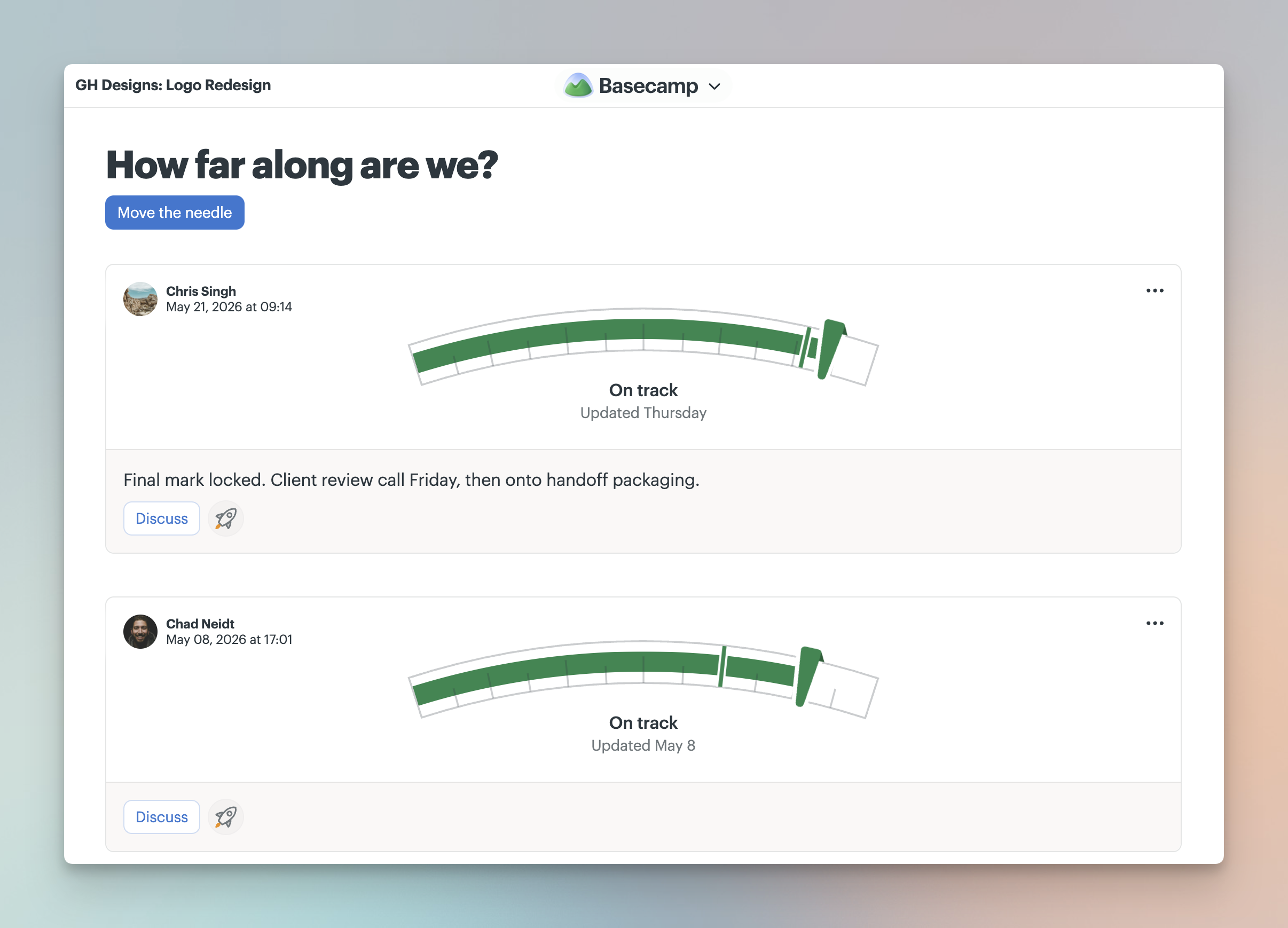
Each update shows the project’s status at that point in time, along with any notes that were included.
Updates appear in reverse chronological order, with the most recent update shown first.
Clients can view Needle history when it’s visible to them, but they can’t post or edit updates.
Updating the Needle
Update the Needle when the project’s status changes.
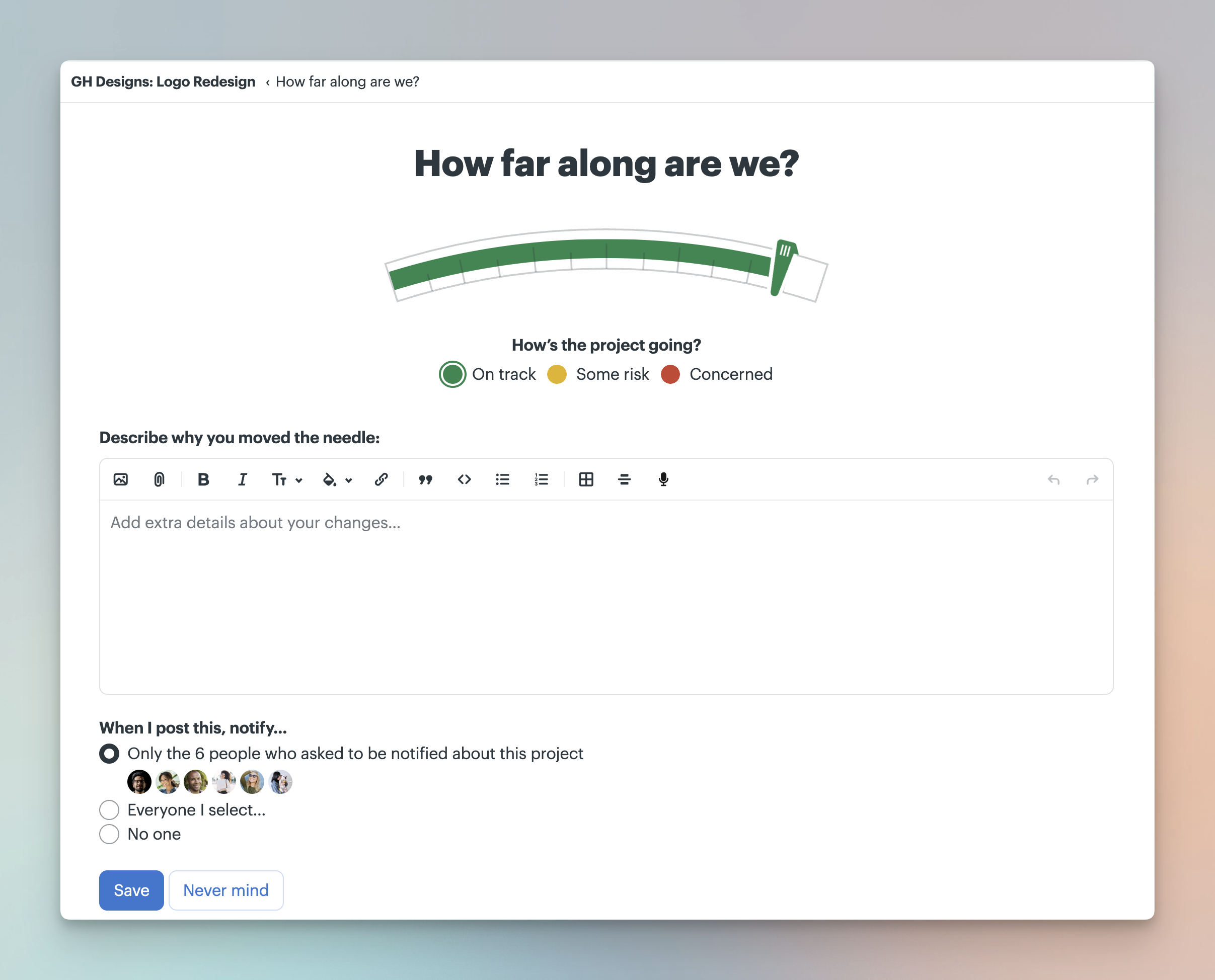
Open the Needle history, then click Move the needle to post a new update.
Choose the current project status - On track, Some risk, or Concerned - then add optional notes explaining the update. You can also choose whether to notify people about the change before clicking Save.
By default, Needle updates are hidden from clients. You can choose to make an update visible to clients before posting it.
Only people on the project can move the Needle. Clients can view updates (when visible), but can’t post them.
Mission Control
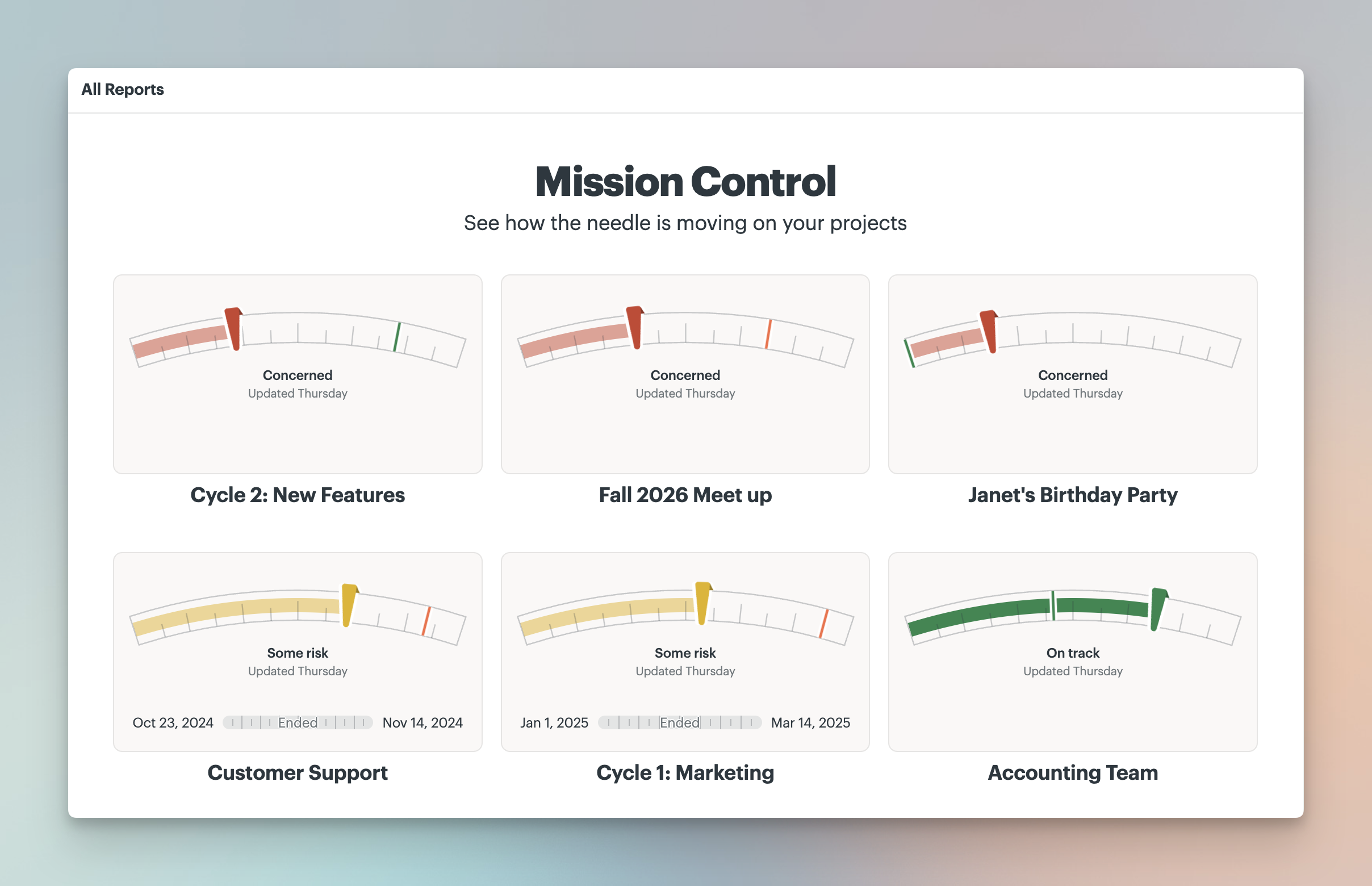
Mission Control shows the status of all your projects in one place.
It pulls in the latest Needle updates so you can quickly see how things are progressing across your account.
Open the Basecamp menu and click Reports (or press 3) then select Mission Control.
Projects are sorted by recent activity, so the most recently updated work appears first.
📝 NOTE: Mission Control is not available to clients.